
You’ve filmed a beautiful property. Good lighting. Steady gimbal. But the video still feels… boring. Buyers click away after 15 seconds.
Here’s the truth: Raw footage doesn’t sell homes. Real estate video editing does.
In 2026, 87% of luxury buyers expect a video tour before booking a showing. But most agents make three fatal mistakes:
- No pacing (every room gets the same 8 seconds)
- Bad audio (wind noise, echo, or silence)
- Missing captions (70% watch on mute)
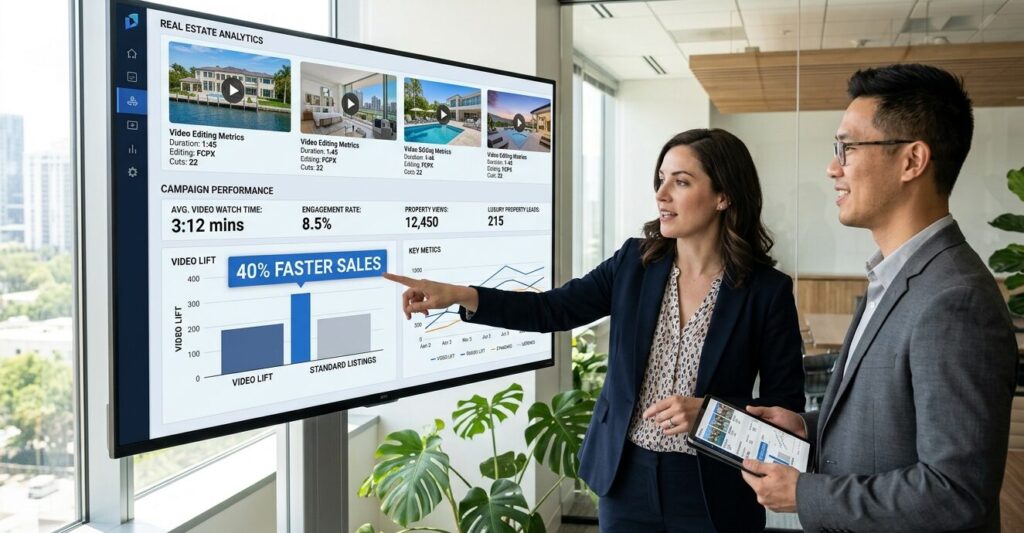
This real estate video editing guide will show you exactly how to edit walkthrough videos that hold attention, build desire, and generate more offers.
Why Real Estate Video Editing Matters More Than Footage
Most agents think: “I just need a good camera.”
Wrong. A $10,000 camera with bad editing = a bad video. An iPhone with professional real estate video editing = a sold listing.
The data doesn’t lie:
- Listings with professionally edited videos sell 40% faster
- Properties with video tours get 403% more inquiries
- Buyers watch 73% longer when videos have proper pacing
The 5-Step Real Estate Video Editing Workflow
Step 1: Rough Cut for Flow (Your First Real Estate Video Editing Pass)
Most beginners start with color grading. Start with story instead.
How to do your first real estate video editing pass:
- Import clips into DaVinci Resolve or CapCut (both free)
- Arrange rooms: Exterior → Foyer → Kitchen → Living → Bedrooms → Bathrooms → Backyard
- Trim each clip to the best angle only
- Remove shaky footage or empty hallways
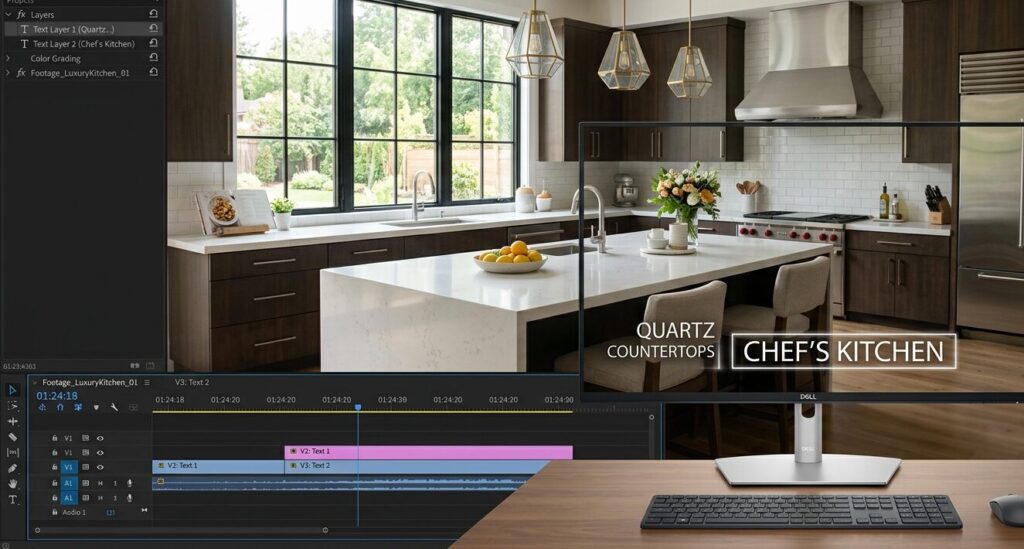
Pro tip: A good rough cut is 40% shorter than raw footage. A 10-minute raw video becomes a 4-minute rough cut.
Step 2: J-Cuts & L-Cuts for Seamless Transitions
Nothing screams “amateur” like a hard cut from kitchen to bedroom.
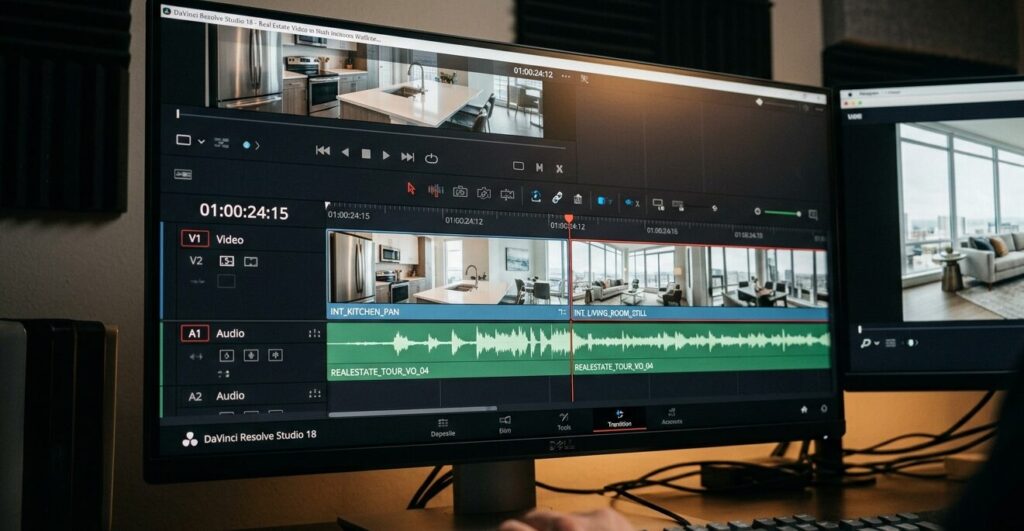
Use J-cuts (audio from next room starts before video) or L-cuts (audio from current room continues over next video).
Real estate video editing example:
- As you leave the kitchen, keep kitchen audio for 2 seconds while showing the hallway
- Buyers feel like they’re walking through the home, not watching a slideshow
60-second method:
- Overlap two clips on separate tracks
- Fade audio of Clip A down by -3dB
- Fade audio of Clip B up by -3dB
- Extend the overlap by 5-10 frames
Step 3: Speed Ramping for Hero Shots
Every property has 3-4 hero features: fireplace, soaking tub, view, or chef’s kitchen. These deserve speed ramping.
Simple real estate video editing settings:
- Normal speed: 100% for hallways
- Slow motion: 50% for countertop pans
- Fast motion: 200% between floors
Why this works: Creates emotional peaks. Buyers remember the slow-mo kitchen island.
Need professional help? That’s exactly what our Professional Plan at MediaEdits.Pro handles daily. Click “Get a Quote” and mention “real estate video editing” for a custom sample.
Step 4: Color Grading for Bright & Airy Results
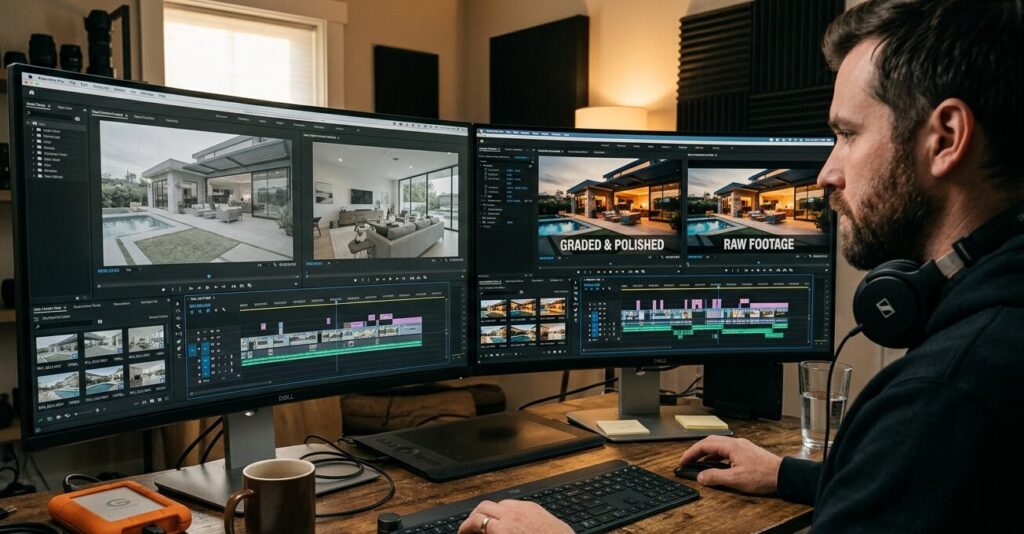
Real estate video has one rule: make it look like 10 AM sunny, even if you filmed at 6 PM.
The 3-slider real estate video editing fix:
- Exposure: +0.5 to +1.0 (bright, not blown out)
- Temperature: -2 to -5 (remove orange/yellow)
- Saturation: +5 to +10 (make greens pop)
Avoid: Heavy contrast or vignettes. That’s for horror movies.
Step 5: Captions + Music for Silent Viewers
Captions: 70% of social media viewers watch without sound. Add white captions with black background:
- Room names (“✨ Chef’s Kitchen”)
- Key details (“Newly renovated 2025”)
- Calls to action (“Link in bio”)
Music: Lo-fi hip hop or acoustic guitar. Lower to -25dB so voiceover is clear.
Real Estate Video Editing Checklist (Copy This)
- Rough cut complete (40% shorter than raw)
- J-cuts between all major rooms
- 3 hero shots with speed ramping
- Color graded (bright & airy)
- Captions added for mute viewers
- Music under -25dB
- Video length under 90 seconds (social) or 3 minutes (YouTube)
- End screen with “Schedule a viewing” + phone number
Fun Fact About Video Editing 🎬
Did you know? The first real estate video editing software was Adobe Premiere 1.0 in 1991. It cost 1,995andrequiredaseparate5,000 video card. Today, you can do better editing on a $300 smartphone. The editor who bought that first copy? He now edits Marvel movies.
Want Professional Real Estate Video Editing Help?
You’ve got the strategy. But maybe you don’t have time to execute all five steps.
At MediaEdits.Pro, our real estate video editing services include:
✅ Walkthroughs that sell faster
✅ Drone footage editing + color grading
✅ Same-day delivery for urgent listings
✅ Social media cut-downs (60 seconds for Reels/TikTok)
Two ways to start your real estate video editing project:
Option 1: Click the “Get a Quote” button on our website. Use code “REBLOG10” for 10% off.
Option 2: Hire me directly on Fiverr . I’ve edited 800+ real estate videos for agents in the US, UK, and Australia.
Your listing is waiting. Let’s make buyers fall in love before they step inside.